
Start with your organization’s workflow
Separate campus identification, visitor directions, and changeable notices. Establish one approved schedule of building and department names, then decide which messages belong on permanent signs and which need an electronic display.
Review the details that matter
- Provide an approved building and destination list.
- Assign responsibility for message updates and expired announcements.
- Review sign locations from the visitor approach as well as inside the site.
Planning the Cayce project
Review short directional messages separately from detailed information. A sign people read while approaching needs a different hierarchy from a screen viewed while waiting.
Make every sign part of the same system
List the signs by their purpose: identity, arrival, navigation, or changing information. Identify who approves the artwork and who will manage digital content after installation. Include the location and approximate dimensions of each piece so the project can be scoped as a complete package.
Getting started
What information should our Cayce team prepare?
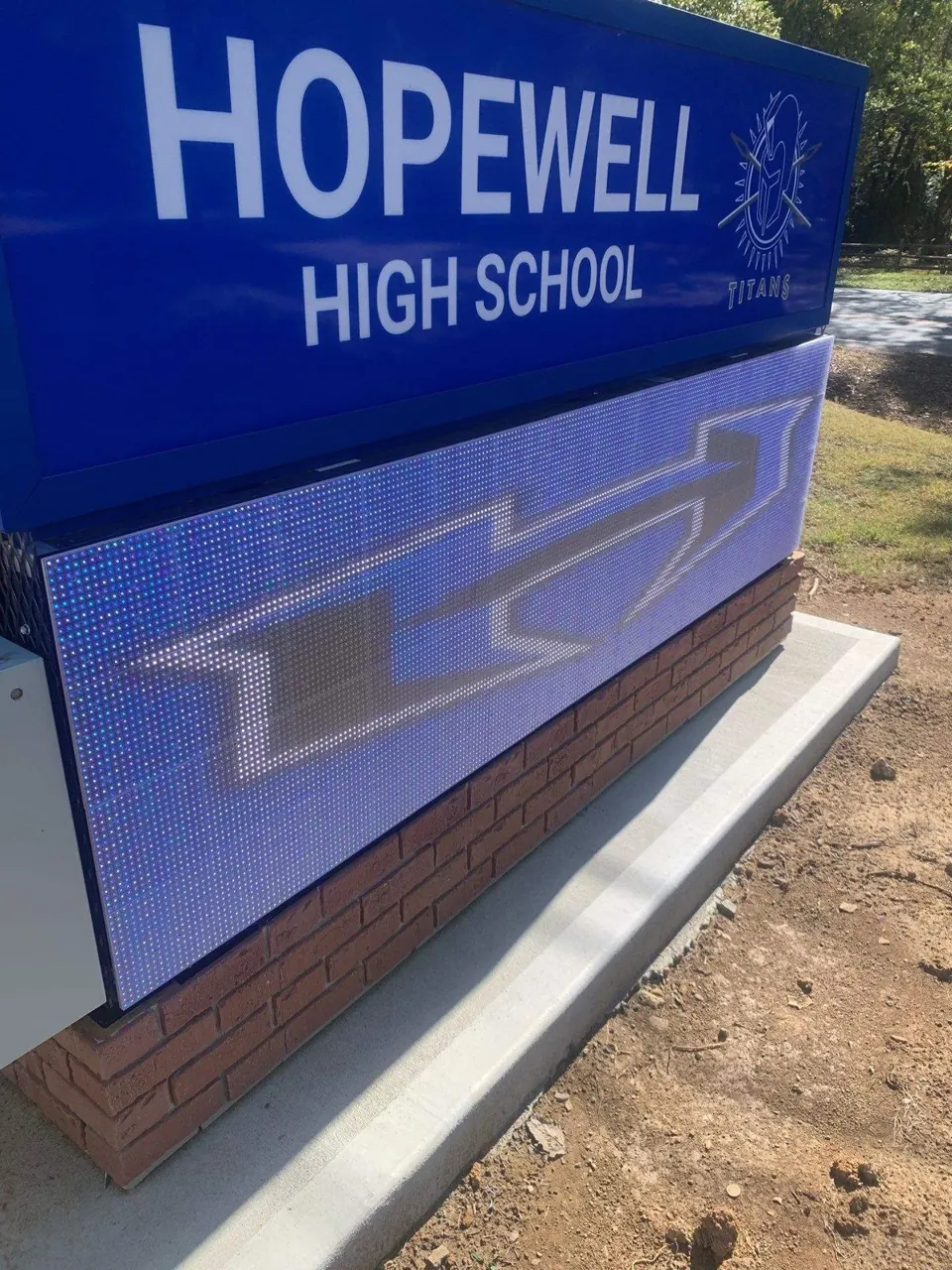
A campus entrance and visitor route with a clear school name, electronic notices, and coordinated building identification.
How do we discuss our sign options?
Call 984-217-6527 or share your sign list, building photos, artwork, and the target project date through the quote form.